1
R&S®UPP
Instrument Function
Equalization
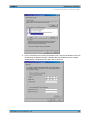
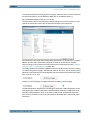
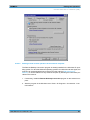
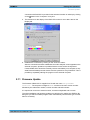
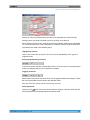
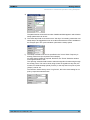
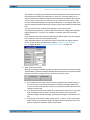
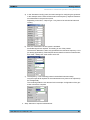
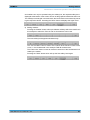
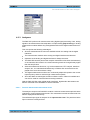
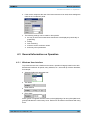
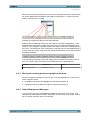
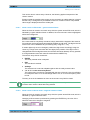
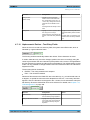
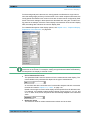
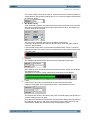
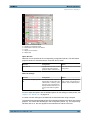
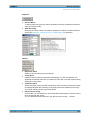
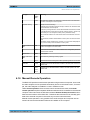
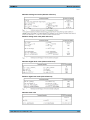
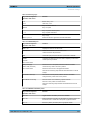
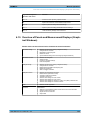
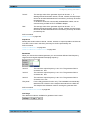
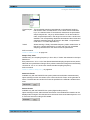
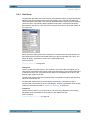
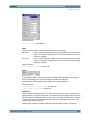
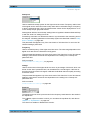
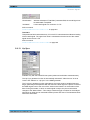
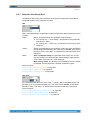
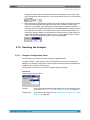
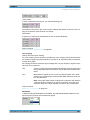
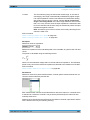
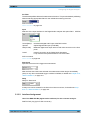
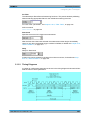
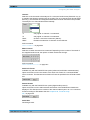
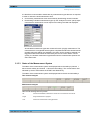
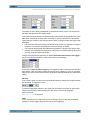
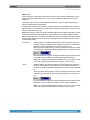
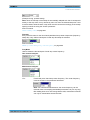
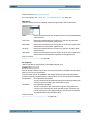
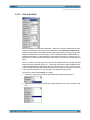
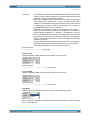
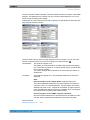
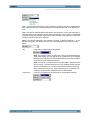
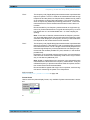
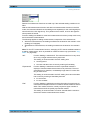
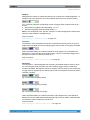
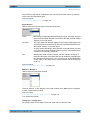
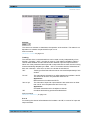
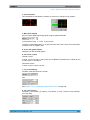
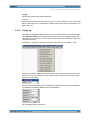
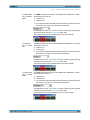
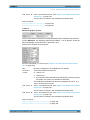
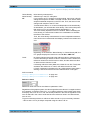
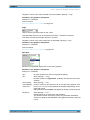
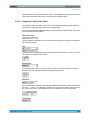
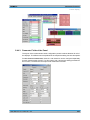
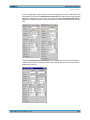
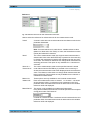
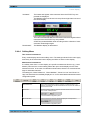
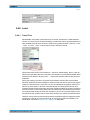
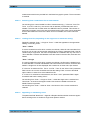
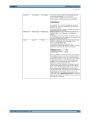
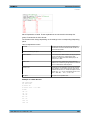
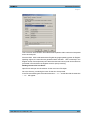
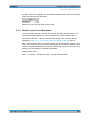
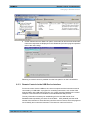
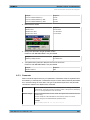
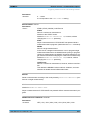
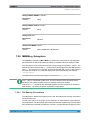
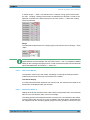
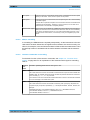
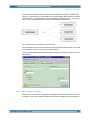
The color can be configured using the color selection dialog. In the following parameter
field, the colors are always shown as decimal equivalents of 12-bit long numeric values.
With a lower color depth in the "Color Depth" selection field, the corresponding LSBs are
not transmitted, but set to 0.
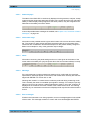
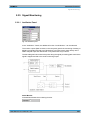
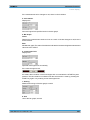
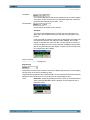
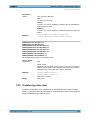
RGB String
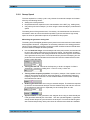
Color to be output if no audio data are present.
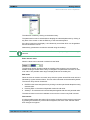
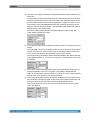
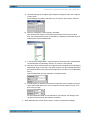
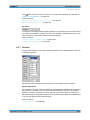
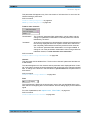
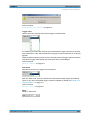
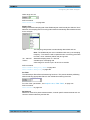
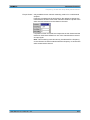
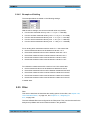
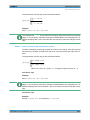
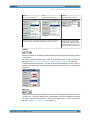
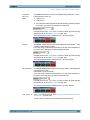
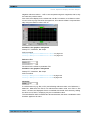
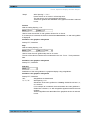
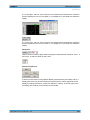
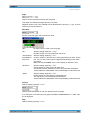
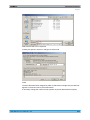
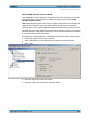
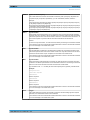
The color selection from the above color selection dialog above is mapped as RGB string
and can be configured here, if necessary. In each case, the decimal equivalent of 12-bit
long numeric values is mapped. With a lower color depth in the "Color Depth" selection
field, the corresponding LSBs are not transmitted, but set to 0.
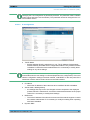
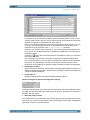
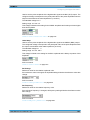
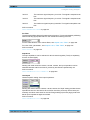
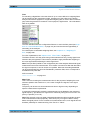
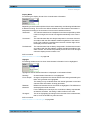
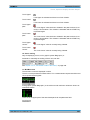
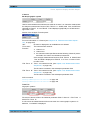
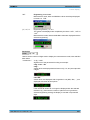
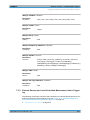
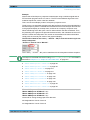
Active Color
Color to be output if audio data are output.
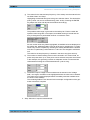
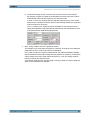
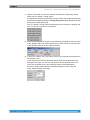
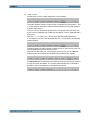
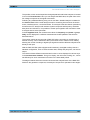
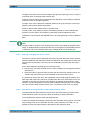
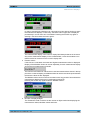
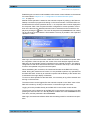
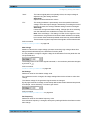
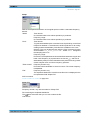
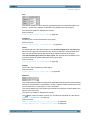
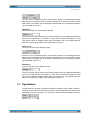
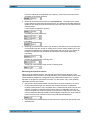
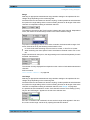
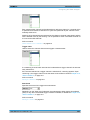
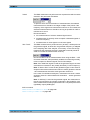
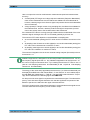
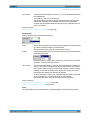
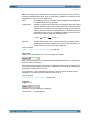
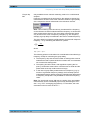
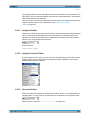
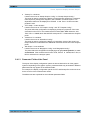
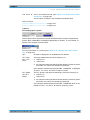
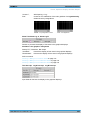
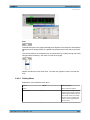
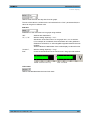
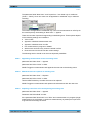
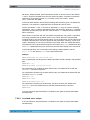
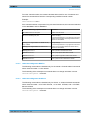
The color can be configured using the color selection dialog. In the following parameter
field, the colors are always shown as decimal equivalents of 12-bit long numeric values.
With a lower color depth in the "Color Depth" selection field, the corresponding LSBs are
not transmitted, but set to 0.
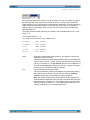
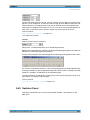
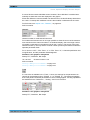
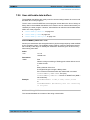
RGB String
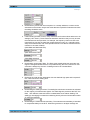
Color to be output if audio data are output.
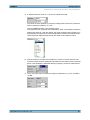
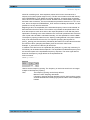
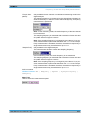
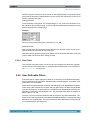
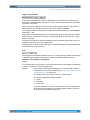
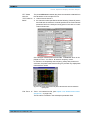
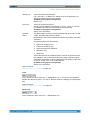
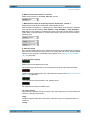
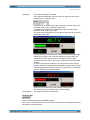
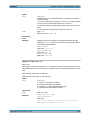
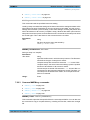
The color selection from the above color selection dialog above is mapped as RGB string
and can be configured here, if necessary. In each case, the decimal equivalent of 12-bit
long numeric values is mapped. With a lower color depth in the "Color Depth" selection
field, the corresponding LSBs are not transmitted, but set to 0.
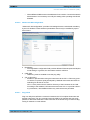
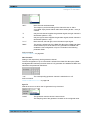
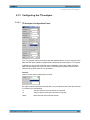
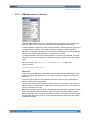
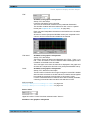
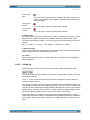
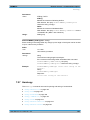
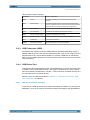
5.7 Equalization
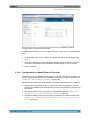
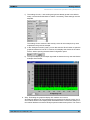
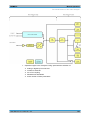
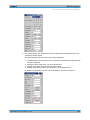
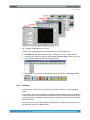
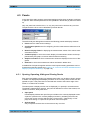
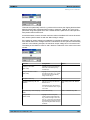
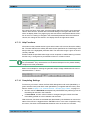
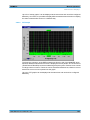
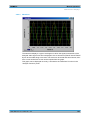
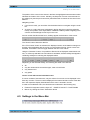
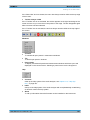
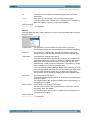
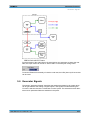
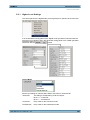
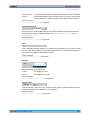
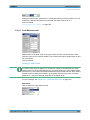
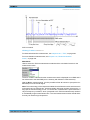
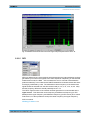
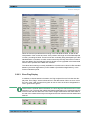
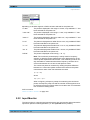
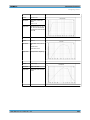
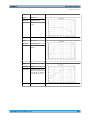
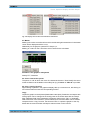
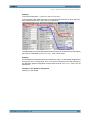
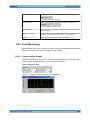
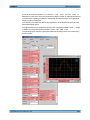
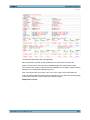
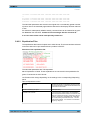
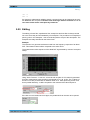
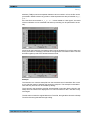
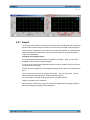
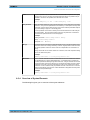
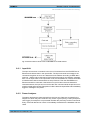
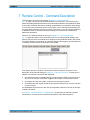
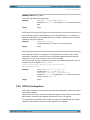
The generator can be given a predefined frequency response using a table containing
frequency points and the associated gain factors. The set amplitude of the generator is
changed as a function of frequency in accordance with the values specified in the table .
User Manual 1411.1055.32 ─ 03
254