1
R&S®UPP
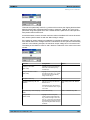
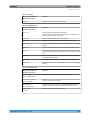
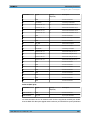
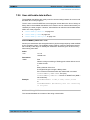
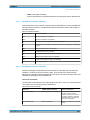
Instrument Function
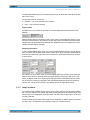
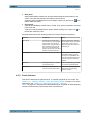
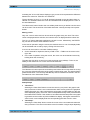
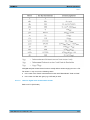
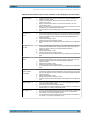
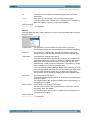
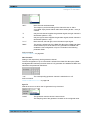
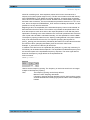
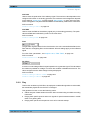
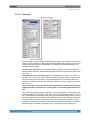
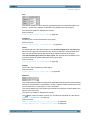
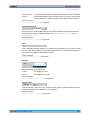
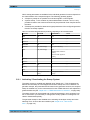
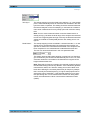
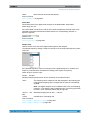
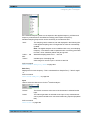
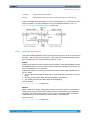
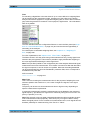
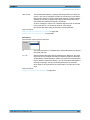
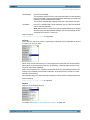
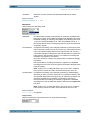
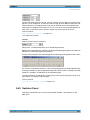
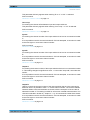
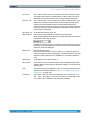
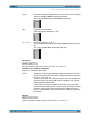
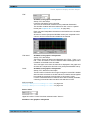
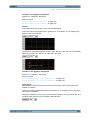
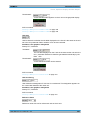
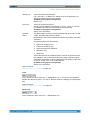
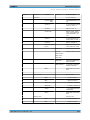
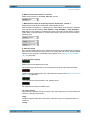
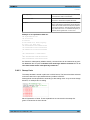
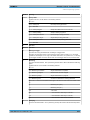
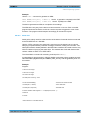
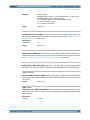
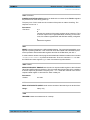
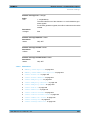
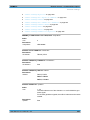
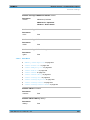
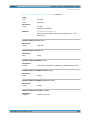
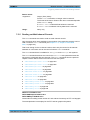
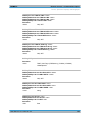
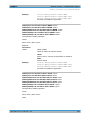
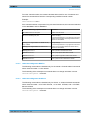
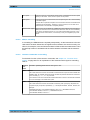
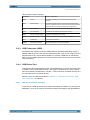
Format
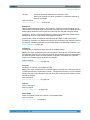
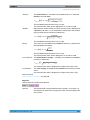
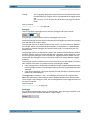
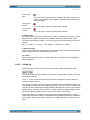
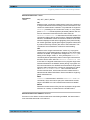
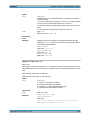
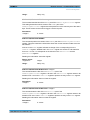
Norm frequency
A comment which states the frequency whose voltage
value has been used for normalization.
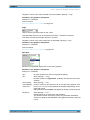
Normalization value
A comment which states the normalization value with
which the Y values were computed as factors.
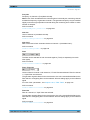
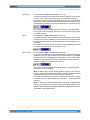
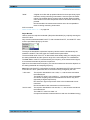
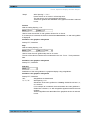
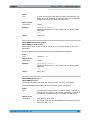
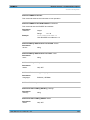
X/Y pairs
Frequency value in Hz followed by the normalization
factor. If the frequency selected on saving the equalization file was that at which the frequency response
curve is at its maximum, the precorrector file contains
only values from 0.0 bis 1.0. If a different frequency is
selected, factors greater than 1.0 also occur.
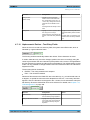
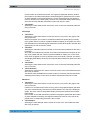
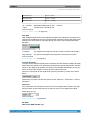
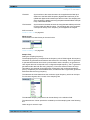
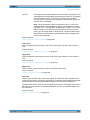
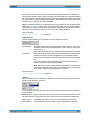
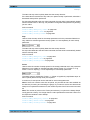
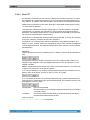
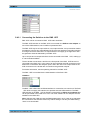
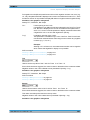
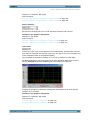
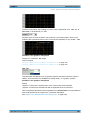
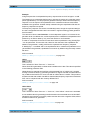
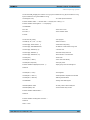
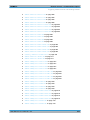
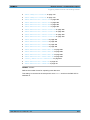
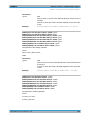
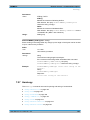
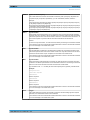
Example of an equalization data set:
UPV EQUALIZATION FILE
100 # Datacount
# Inverted
# 1000.000000 Hz # Norm frequency
# 0.100177 V # Norm value
100.000000000000 4891.695800781250
103.072242736816 4622.376953125000
106.238868713379 4368.537597656250
:
1027.808593750000 1.006141066551
:
1940.386596679688 2496.481933593750
2000.000000000000 4583.853027343750
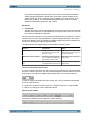
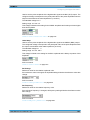
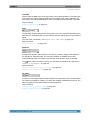
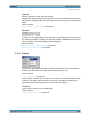
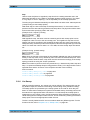
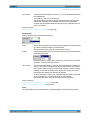
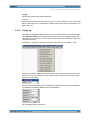
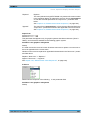
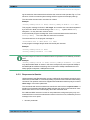
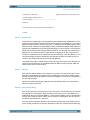
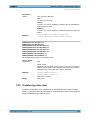
If a data set is subsequently edited manually, comment lines can be inserted at any position ahead of the X/Y pairs. Comment lines must begin with the character '#' . In no
case must a data set be interrupted by comments !
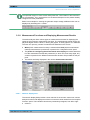
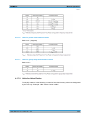
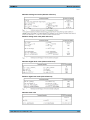
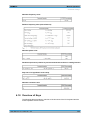
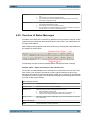
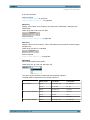
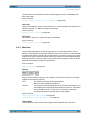
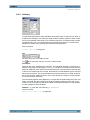
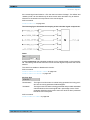
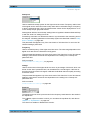
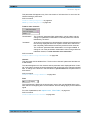
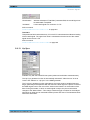
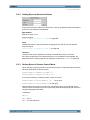
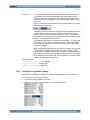
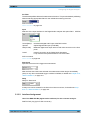
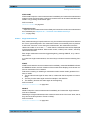
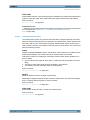
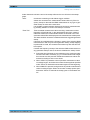
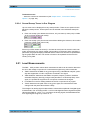
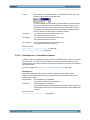
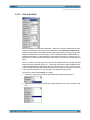
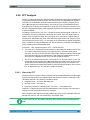
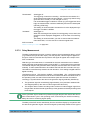
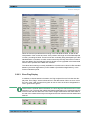
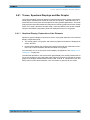
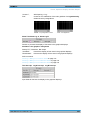
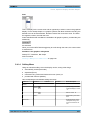
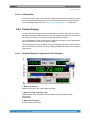
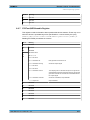
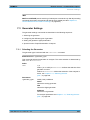
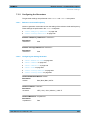
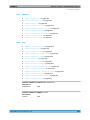
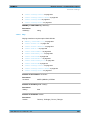
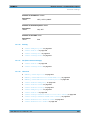
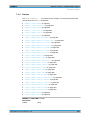
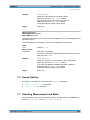
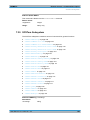
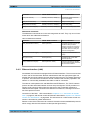
5.49.3 Sweep Lists
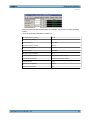
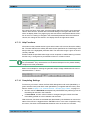
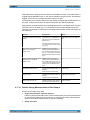
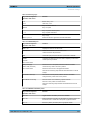
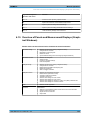
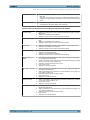
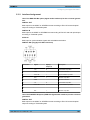
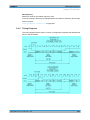
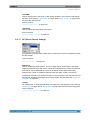
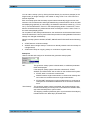
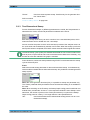
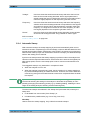
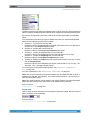
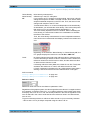
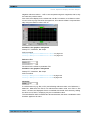
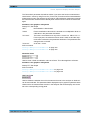
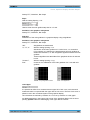
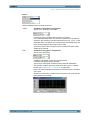
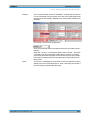
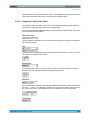
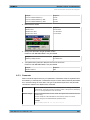
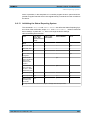
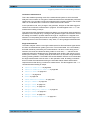
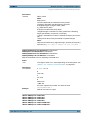
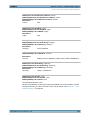
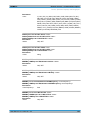
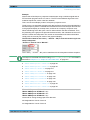
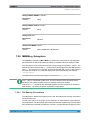
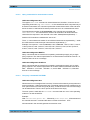
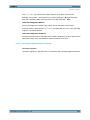
The sweep list data is stored in plain text in ASCII format. The format has been selected
so that the data can be processed without a problem in EXCEL.
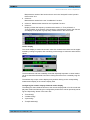
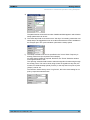
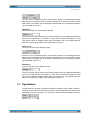
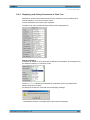
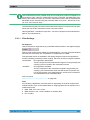
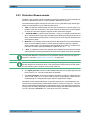
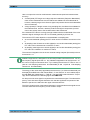
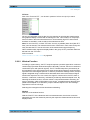
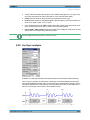
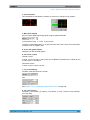
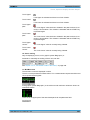
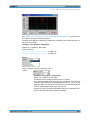
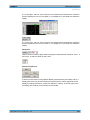
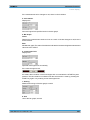
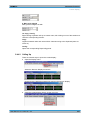
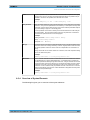
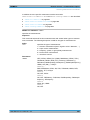
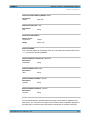
Sweep points must be specified in ascending or descending order – they must not change
direction, for example due to editing
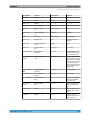
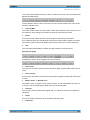
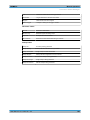
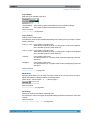
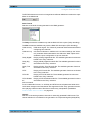
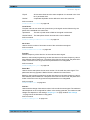
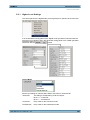
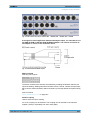
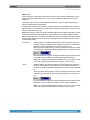
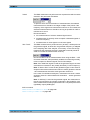
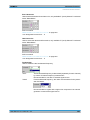
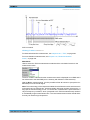
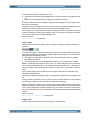
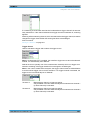
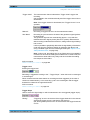
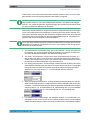
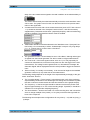
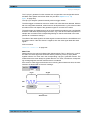
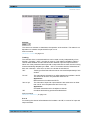
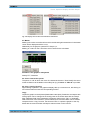
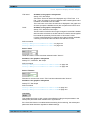
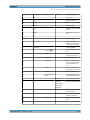
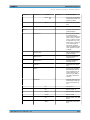
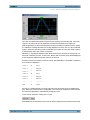
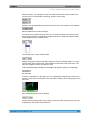
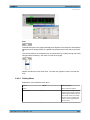
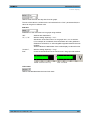
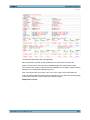
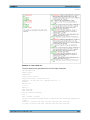
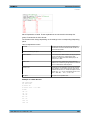
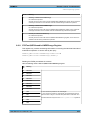
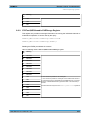
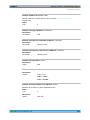
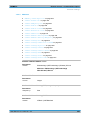
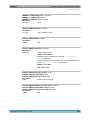
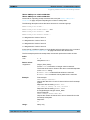
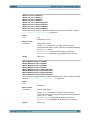
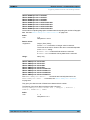
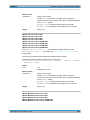
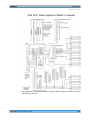
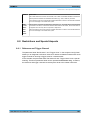
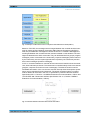
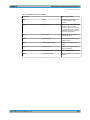
black: Explanation of fields. These explanations are not stored in the sweep list.
green: Fixed entries in ASCII format.
User Manual 1411.1055.32 ─ 03
566