1
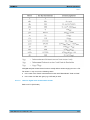
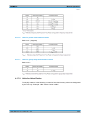
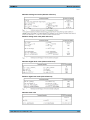
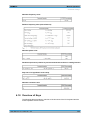
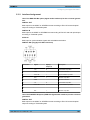
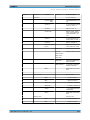
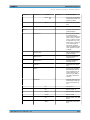
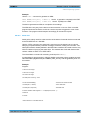
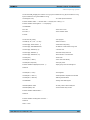
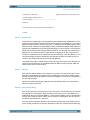
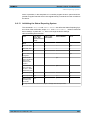
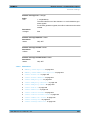
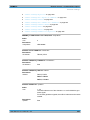
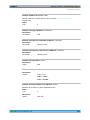
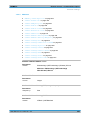
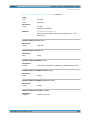
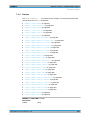
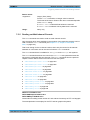
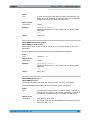
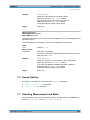
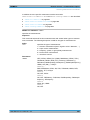
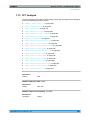
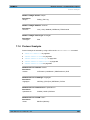
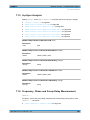
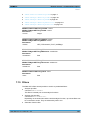
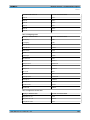
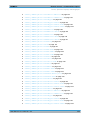
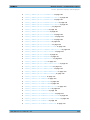
R&S®UPP Remote Control - Command Description Traces, Spectrum Displays and Bargraphs SWITcher:OUTB <outb> Parameters: <outb> integer SWITcher:STATe <state> Parameters: <state> ON | OFF SWITcher:TRACking <tracking> Parameters: <tracking> OFF | BVSA | OVSI | ALL 7.22 Traces, Spectrum Displays and Bargraphs 7.22.1 Display Configuration The commands are grouped for the following subsystems according to their function: FFT | WAVEform | BARGraph | SWEep The value range for suffix <n2> depends on the subsystem: For the Subsystem Sweep: <n2> = 1 … 4 For the Subsystem FFT: <n2> = 1 | 2 For the Subsystem BARGraph: <n2> = 1 | 2 For the Subsystems WAVeform: <n2> = 1 ● DISPlay:BARGraph<n2>:A:BOTTom on page 721 ● DISPlay:BARGraph<n2>:A:CHANnel on page 722 ● DISPlay:BARGraph<n2>:A:LABel:AUTO on page 722 ● DISPlay:BARGraph<n2>:A:LABel:USER on page 722 ● DISPlay:BARGraph<n2>:A:LEGend:DESCription on page 722 ● DISPlay:BARGraph<n2>:A:LEGend:SHOW on page 723 ● DISPlay:BARGraph<n2>:A:LIMLower on page 723 ● DISPlay:BARGraph<n2>:A:LIMLower:SOURce on page 723 ● DISPlay:BARGraph<n2>:A:LIMLower:SOURce:FILE on page 723 ● DISPlay:BARGraph<n2>:A:LIMLower:SOURce:VALue on page 724 ● DISPlay:BARGraph<n2>:A:LIMShift on page 724 User Manual 1411.1055.32 ─ 03 712