1
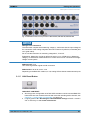
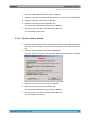
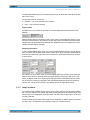
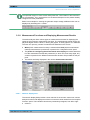
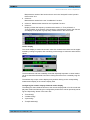
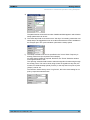
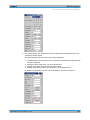
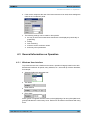
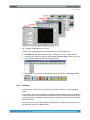
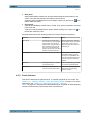
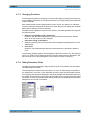
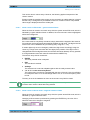
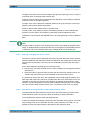
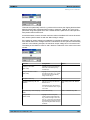
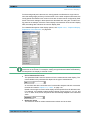
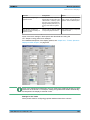
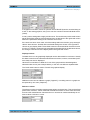
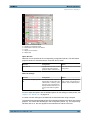
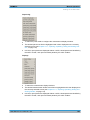
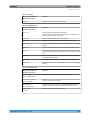
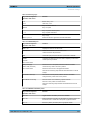
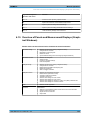
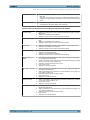
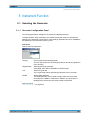
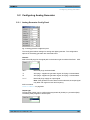
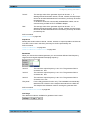
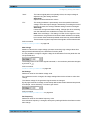
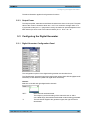
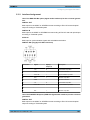
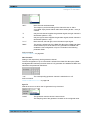
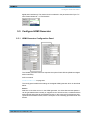
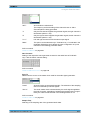
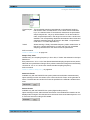
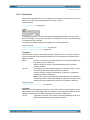
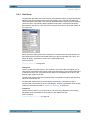
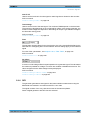
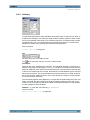
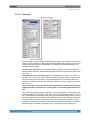
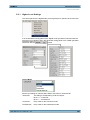
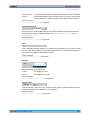
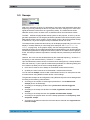
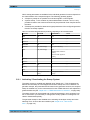
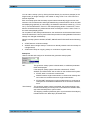
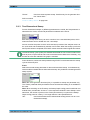
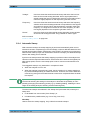
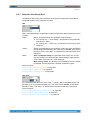
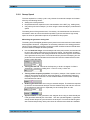
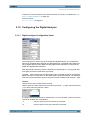
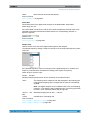
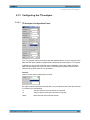
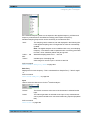
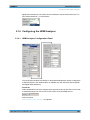
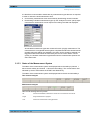
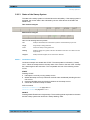
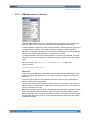
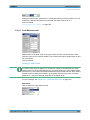
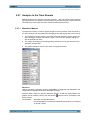
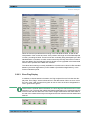
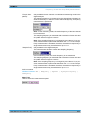
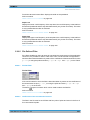
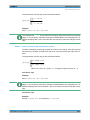
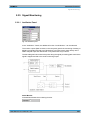
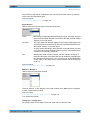
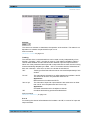
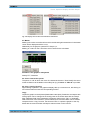
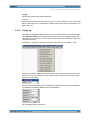
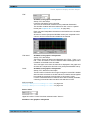
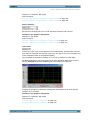
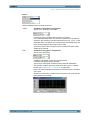
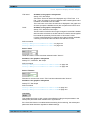
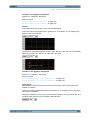
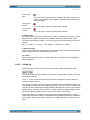
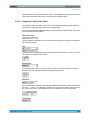
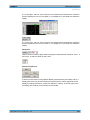
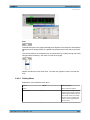
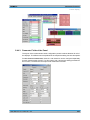
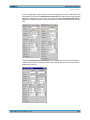
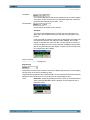
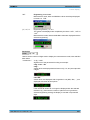
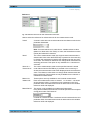
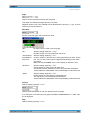
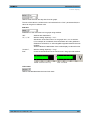
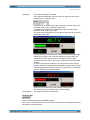
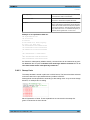
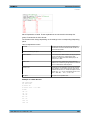
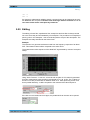
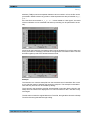
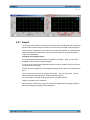
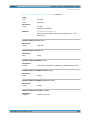
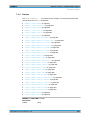
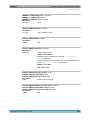
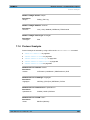
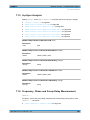
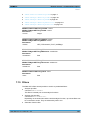
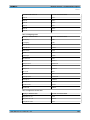
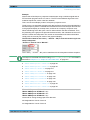
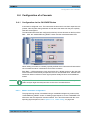
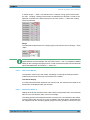
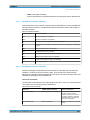
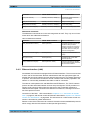
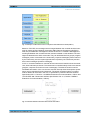
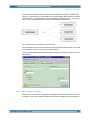
R&S®UPP Instrument Function Configuring the HDMI Analyzer digital audio interfaces)! The desired clock is selected in the parameter field "Sync To " with "Extern Masterclk " or "Ext Wordclk ". 5.14 Configuring the HDMI Analyzer 5.14.1 HDMI Analyzer Configuration Panel The Config panel enables the settings for the digital HDMI analyzer whose configuration is described below. The HDMI analyzer is available only with the R&S UPP-B4 (HDMI and digital audio interfaces). Format No Video identification code of the supplied video signal according to CEA-861. The ID code is extracted directly from the AVI Info Frame of the connected HDMI source. SCPI command: SENSe:HDMI:VIDeo:FORMat on page 667 User Manual 1411.1055.32 ─ 03 298