1
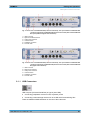
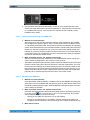
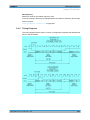
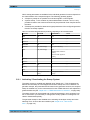
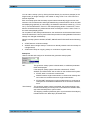
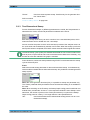
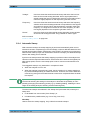
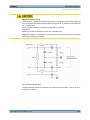
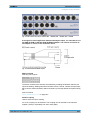
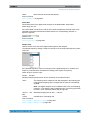
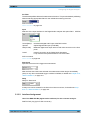
R&S®UPP Putting into Operation Putting into Operation Shutting down the operating system It is urgently recommended to shut down the operating system first before switching off the instrument via the power switch by switching off the instrument with the standby mode pushbutton (POWER LED should be orange before the shutdown). AC SUPPLY VOLTAGE CONNECTOR If the instrument is connected to the AC supply voltage, it automatically adjusts to the AC supply voltage (see the labeling for the voltage range). It is not necessary to manually adjust the instrument for a specific voltage or to change the fuse! FUSE CARRIER The fuse holder contains two fuses and is located between the AC supply voltage connector and the power switch. Both fuses protect the circuit. POWER SWITCH The power switch has two positions: ● ● 0: The instrument is disconnected from the AC supply 1: The instrument is supplied by the AC supply voltage. Depending on the activation of the standby mode pushbutton, the instrument is either in standby mode (POWER LED is yellow) or it is switched on (POWER LED is green) 2.3 Putting into Operation The following section describes how to put the instrument into operation, connect external devices such as printer and monitor, and a connection of the audio analyzer with a network. It contains general safety instructions for instrument operation. Installing the options is described for the instructions of the respective option in chapter 5, "Instrument Function", on page 183; an explanation about the software updates is located in chapter 9, "Maintenance and Instrument Interfaces", on page 799. Safety precautions The instructions in the following sections must be observed to prevent and risk to persons or damages to the instrument. This is particularly important if the instrument is used for the first time. The general safety instructions at the beginning of this manual must also be observed. User Manual 1411.1055.32 ─ 03 30