1
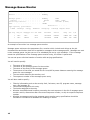
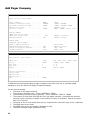
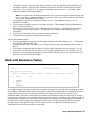
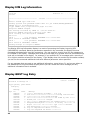
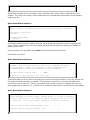
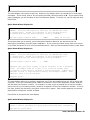
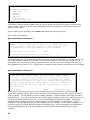
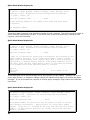
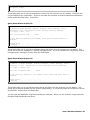
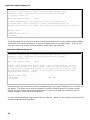
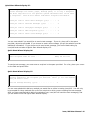
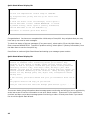
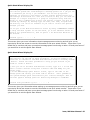
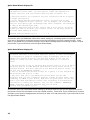
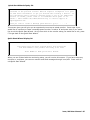
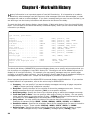
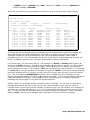
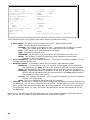
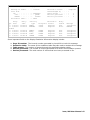
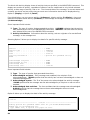
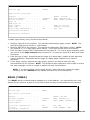
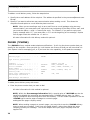
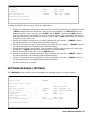
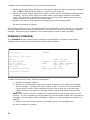
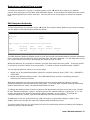
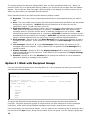
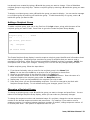
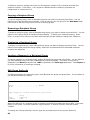
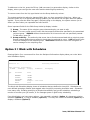
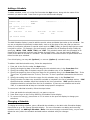
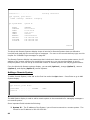
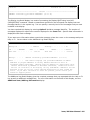
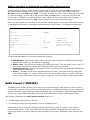
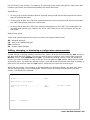
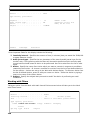
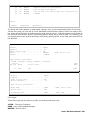
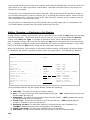
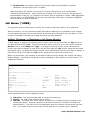
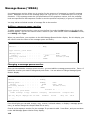
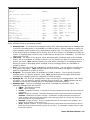
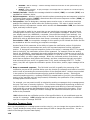
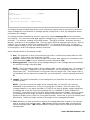
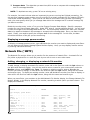
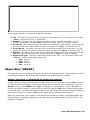
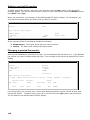
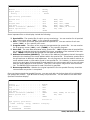
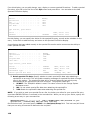
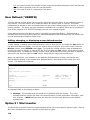
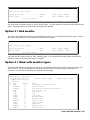
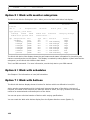
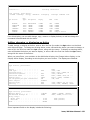
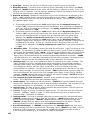
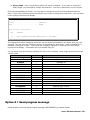
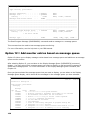
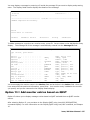
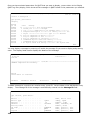
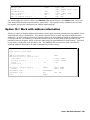
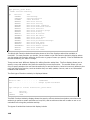
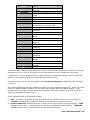
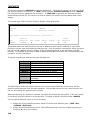
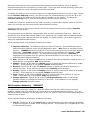
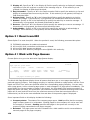
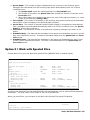
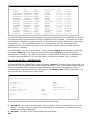
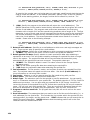
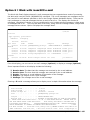
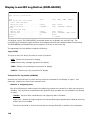
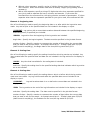
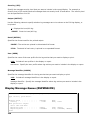
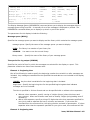
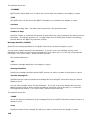
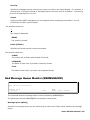
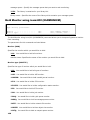
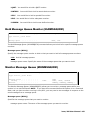
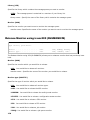
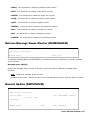
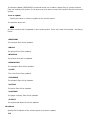
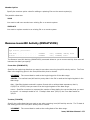
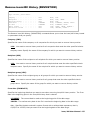
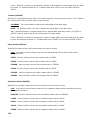
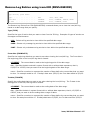
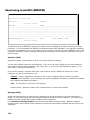
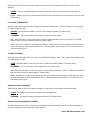
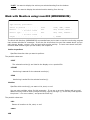
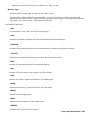
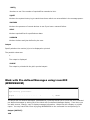
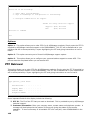
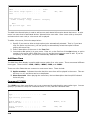
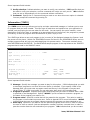
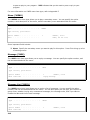
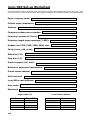
Queue depth: The number of pager messages that are currently in the company queue. Messages are transmitted from the company page queue automatically when one of three conditions occur: 1. The Queue depth equals the value specified in the Force depth field. 2. The number of seconds in the Queue time filed exceeds the number of seconds in the Force time field. 3. When other pages not included in the queue are sent to this paging company (i.e., when a page is sent specifying PAGQ(*NO)). Force depth: The number of messages in the company page queue that forces the automatic transmission of the messages to the specified pager company. Queue time: The number of seconds remaining before pages in this queue are automatically sent. Messages are transmitted automatically when one of three conditions occur (see Queue depth for a list of the conditions.) Force time: The maximum number of seconds that a pending message may remain in the queue. Scheduled date: The date that the messages in the queue are scheduled to be sent in month, day, year (MM/DD/YY) format. This date is calculated based upon the Queue time and Force time values. Scheduled time: The time that the messages in the queue are scheduled to be sent in hour, minute, second (HH/MM/SS) format. This time is calculated based on the Queue time and Force time values. Option 5 = Work with Spooled Files Choose Option 5 to go to the Work with Spooled Files (WRKSPLFICM) command display. Work with Spooled Files (WRKSPLFICM) Type choices, press Enter. Spooled File Name . . Job . . . . . . . . . User . . . . . . . . . Output Queue . . . . . Library . . . . . . Time period for list: Start time and date: Beginning time . . . Beginning date . . . nnnnn End time and date: Ending time . . . . Ending date . . . . . . . . . . . . . . . . . . . . . . . . . . . . . *ALL *ALL *CURRENT *ALL *LIBL Name, Name, Name, Name, Name, *ALL *ALL *CURRENT, *ALL *ALL *LIBL . . . . . . . . . . *AVAIL *BEGIN Time, *AVAIL Date, *CURRENT, *BEGIN, . . . . . . . . . . *AVAIL *CURRENT Time, *AVAIL Date, *CURRENT, *END, nnnnn The Work with Spooled Files ICM (WRKSPLFICM) command displays a list of spooled files available for distribution. You may select a time range for the list of spooled files. When you press Enter, you are taken to the Work with Spooled Files using ICM display. Work with Spooled Files using ICM 3/16/03 15:58:13 Type options, press Enter. icom/400 User Manual- 151