1
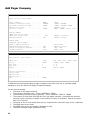
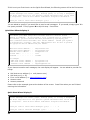
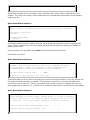
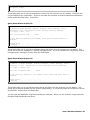
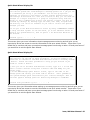
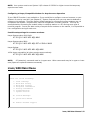
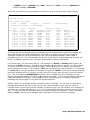
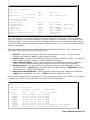
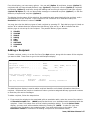
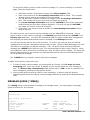
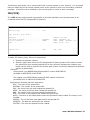
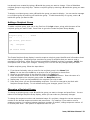
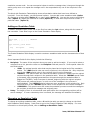
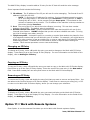
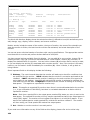
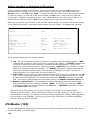
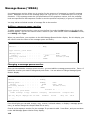
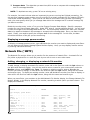
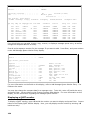
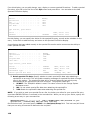
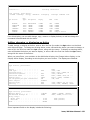
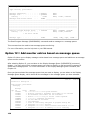
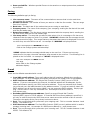
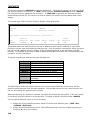
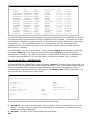
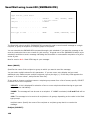
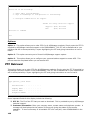
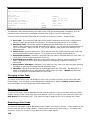
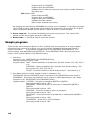
==> SNDSPLFICM SPLF(QPINVOICE) JOB(*) SPLNBR(*LAST) MSG('Attached is your
invoice.') EMAIL(*SPLF) ATTACH(Invoice) SNDINF(3 10 30).
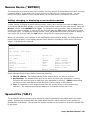
In case the line number may not be the same on each page, specify search text that can be
used to locate the address. In the SNDINF parameter, specify *TEXT as the line number,
*AFTER as the starting position, the length, and the text to search for, such as: 'To:'.
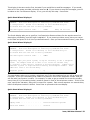
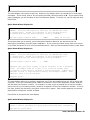
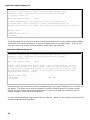
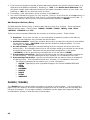
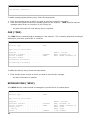
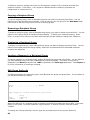
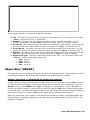
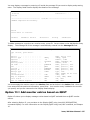
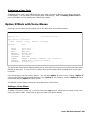
==> SNDSPLFICM SPLF(QPINVOICE) JOB(*) SPLNBR(*LAST) MSG('Attached is your
invoice.') EMAIL(*SPLF) ATTACH(Invoice) SNDINF( *TEXT *AFTER 30 'To:' ).
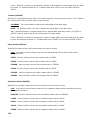
3. *PGM: Specify the program to be called that will return the e-mail address(es). The
SNDINF parameter will be used to locate the key information that the program will need to
find the e-mail address. The program must receive two parameters, the first being
character with a length of 10 and the second being character with a length of 60. The first
parameter is not currently used, but will eventually be the delivery type for the spooled file.
The second parameter contains the key information found in the spooled file but will also
return the e-mail address. The second parameter should return blanks if no e-mail is
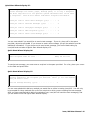
needed. Please refer to the following example:
154
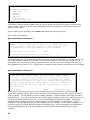
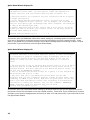
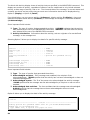
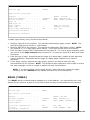
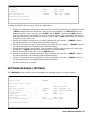
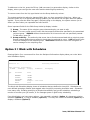
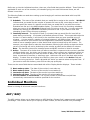
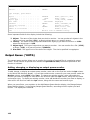
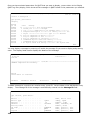
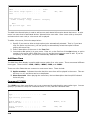
==> SNDSPLFICM SPLF(QPINVOICE) JOB(*) SPLNBR(*LAST) MSG('Attached is your
invoice.') EMAIL(*PGM) ATTACH(Invoice) PGM(ICOMTOOLS/EMAILEXIT) SNDINF(10
3 60).
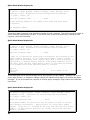
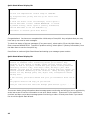
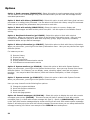
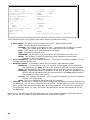
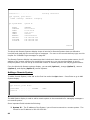
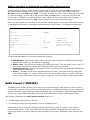
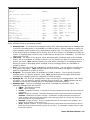
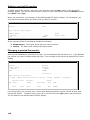
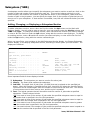
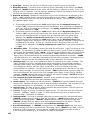
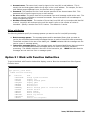
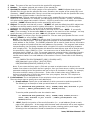
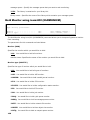
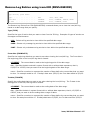
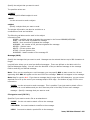
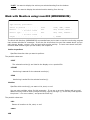
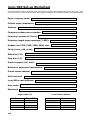
Return E-mail address: Specifies an e-mail address to which error and reply messages are
sent. There are two ways to specify the e-mail address.
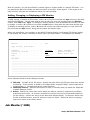
1. E-mail address: Specify the e-mail address to which you want to send the spooled file.
2. *ICMDFT: The value for the return e-mail is found in the ICOM/400 defaults.
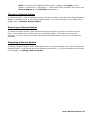
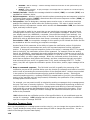
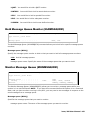
Retain spooled file data: Specify whether to retain spooled file data when attaching a
spooled file to an email. This will enable resending messages for spooled files that no longer
exist in the system. The spooled file data will be removed when the last activity entry
associated with the spooled file has been removed. The possible values are:
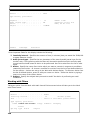
4. *ICMDFT: The ICOM/400 default is used. This value is found in the Change System
Attributes screen.
.
5. *NO: Do not retain spooled file data when attaching the spooled file.
6. *YES: Retain the spooled file data when attaching the spooled file.
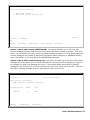
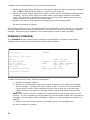
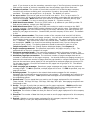
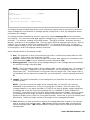
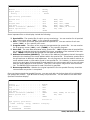
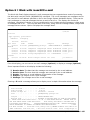
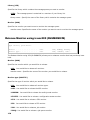
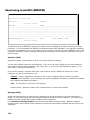
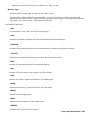
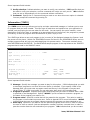
Fax information: The fax number, sender, and recipient to which your spooled file will be
sent. The recipient name will appear on the cover letter. See above (E-mail address) for
more information on retrieving a fax number.
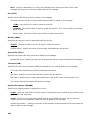
Fax header: Whether or not you want to send the fax header along with your fax.
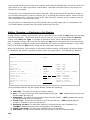
Attach name: The name of the spooled file attachment.
Attach Type: The extension name for the spooled or text file attachment. You can specify
any 3 or 4 character extension for your spooled file. The default extension is TXT for a text file
attachment conversion. You can also send your spooled files in PDF format. icom/400 will
convert the format of the spooled file to a PDF format when specifying PDF as your extension
name. PDF will only work with spooled files. There are some other extensions that will also
work as an attachment to an email using this parameter, such as: DOC, XLS and CSV.
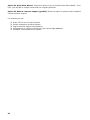
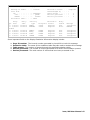
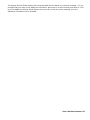
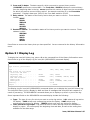
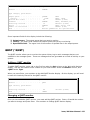
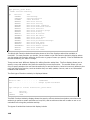
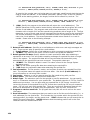
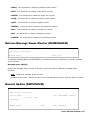
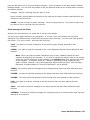
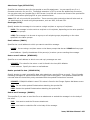
Program to retrieve send info: The program that icom/400 will use to retrieve the send
information.
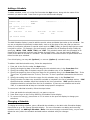
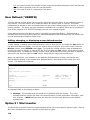
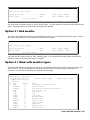
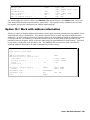
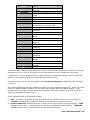
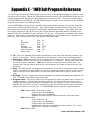
Send information: The parameters that you want to use to find the send information (i.e., email addresses) for the spooled file. This includes the line number within the spooled file, the
starting position, the length, and the search text. *TEXT indicates that you will search text to
identify the send information. *AFTER indicates that the starting position will be the first
character after the located search text.