1
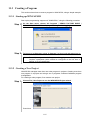
10.2 Creating a Program
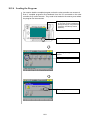
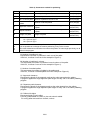
This section shows how to create a program using the teach pendant, with a simple
example. When creating and editing a program, turn the operation mode to Manual.
10.2.1 Entering a New Program Name
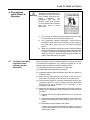
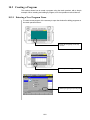
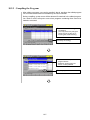
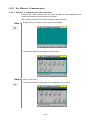
To create a new program, it is necessary to open the window for editing programs on
the teach pendant screen.
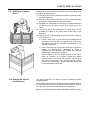
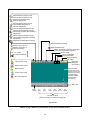
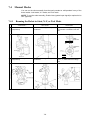
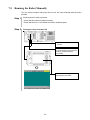
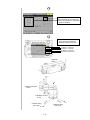
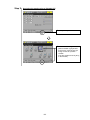
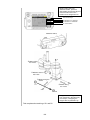
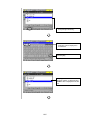
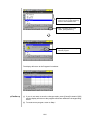
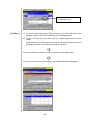
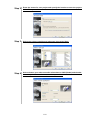
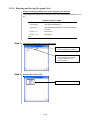
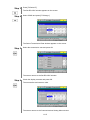
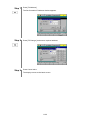
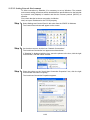
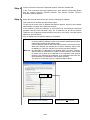
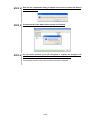
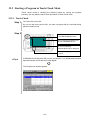
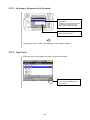
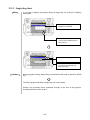
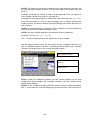
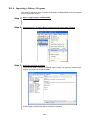
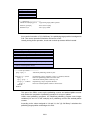
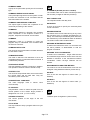
c Press [F1 Program] on the top
screen.
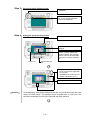
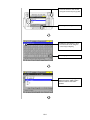
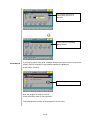
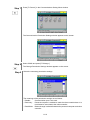
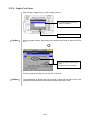
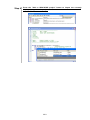
d Press [F1 NewProg.].
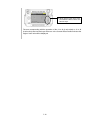
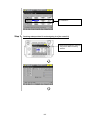
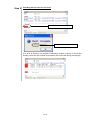
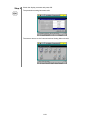
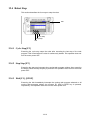
e Select [Program] and press [OK].
10-2