1
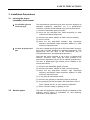
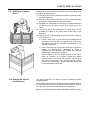
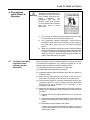
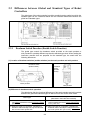
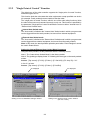
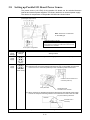
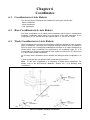
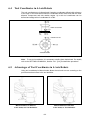
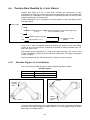
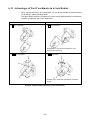
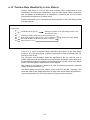
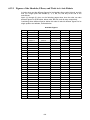
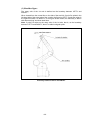
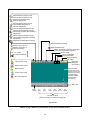
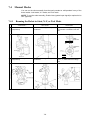
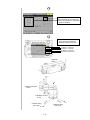
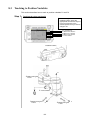
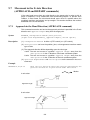
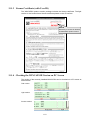
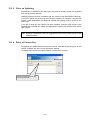
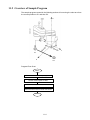
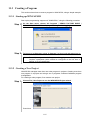
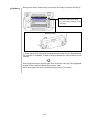
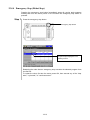
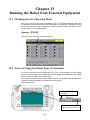
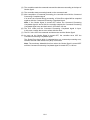
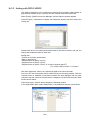
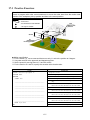
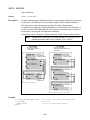
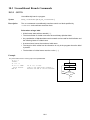
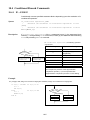
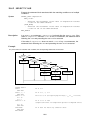
Chapter 7 Preparations for Teaching 7.1 7.1.1 Handling the Teach Pendant Holding the Teach Pendant and the Deadman Switch Grasp the teach pendant when operating it, as shown below. The teach pendant has a deadman switch(es) for ensuring safety. Deadman switch Tip The deadman switch is provided to stop the robot automatically and safely when the operator can no longer operate the robot correctly due to unforeseen circumstances such as the operator suffering a blackout or dying while running the robot manually with the teach pendant. If a situation such as this arises, the strength with which the operator is pressing the deadman switch will become either decrease or increase markedly. The deadman switch is a 3-position switch which is able to recognize and react to the following 3 operating statuses. 1) When the switch is not being pressed or is being pressed lightly → Switch: OFF 2) When the switch is being pressed with correct pressure → Switch: ON 3) When the switch is being pressed too strongly → Switch: OFF If the switch is OFF or goes OFF, the robot cannot run or the running robot will stop, respectively. In order to ensure safety, the robot is so designed that in manual mode the deadman switch should be held down for example when the operator presses any of the arm traverse keys. Note: The deadman switch is also called "Enable switch." 7-1