1
3.6
3.6.1
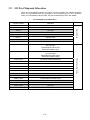
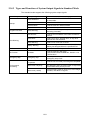
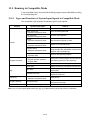
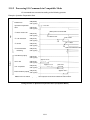
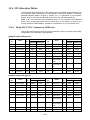
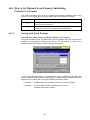
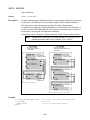
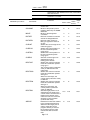
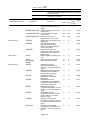
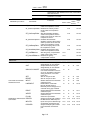
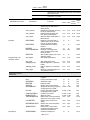
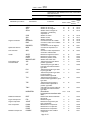
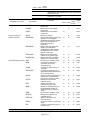
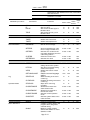
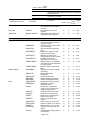
Configuring the I/O Allocation Mode Parameter
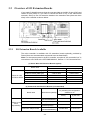
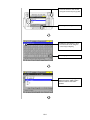
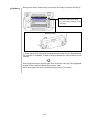
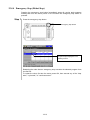
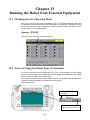
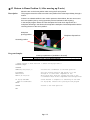
With Teaching Pendant
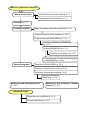
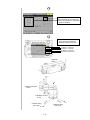
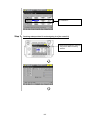
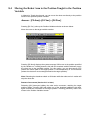
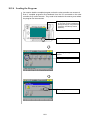
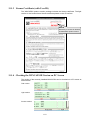
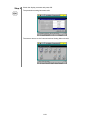
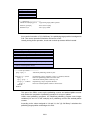
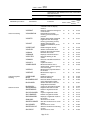
Access: [F4 I/O]—[F6 Aux.]—[F2 AlocMode]
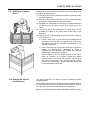
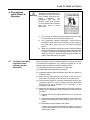
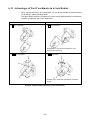
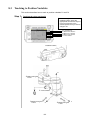
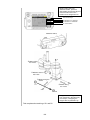
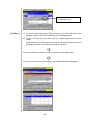
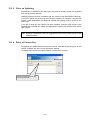
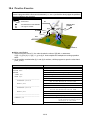
Mount the floppy disk drive into the robot controller according to the following
procedure:
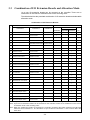
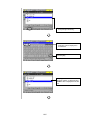
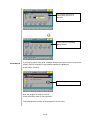
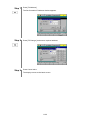
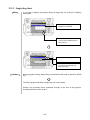
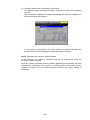
After completing the above operations, use the cursor keys or jog dial to select one of
the allocations and then press OK. Restart the robot controller to make the new
settings take effect.
3.6.2
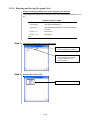
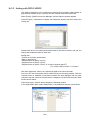
Method for setting from WINCAPSIII
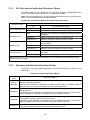
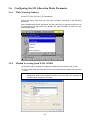
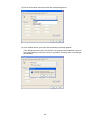
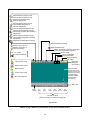
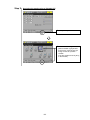
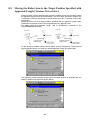
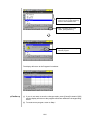
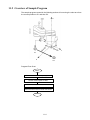
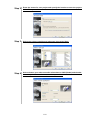
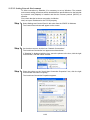
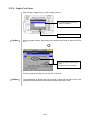
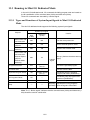
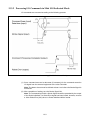
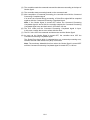
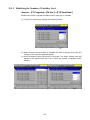
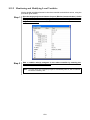
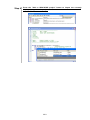
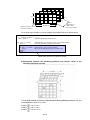
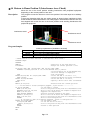
(1) Choose Project | Property to display the Property window.Choose the I/O tab.
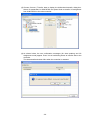
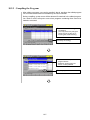
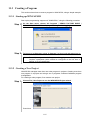
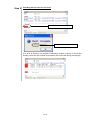
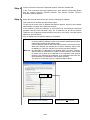
(2) In the Assign area, pull down the Device menu and select the desired I/O extension
board.
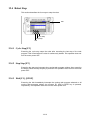
Note: Do not select an I/O extension board not mounted. Doing so and transferring
assignment data to the controller results in an error when the controller is
restarted after reception of the data.
3-7