1
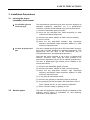
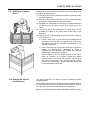
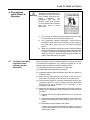
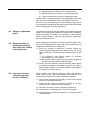
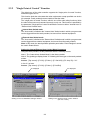
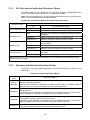
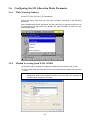
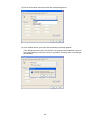
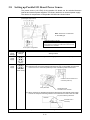
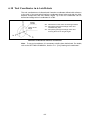
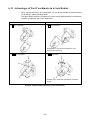
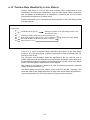
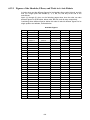
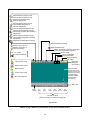
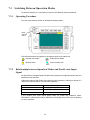
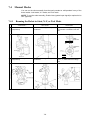
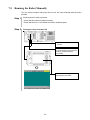
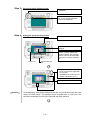
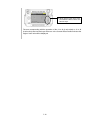
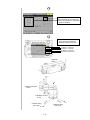
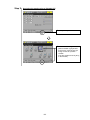
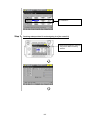
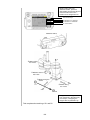
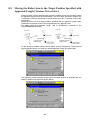
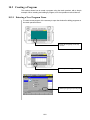
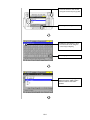
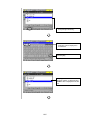
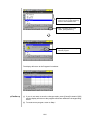
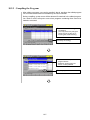
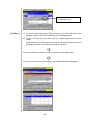
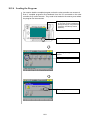
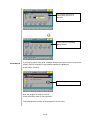
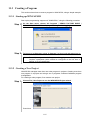
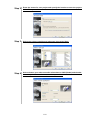
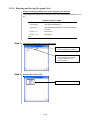
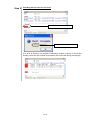
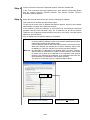
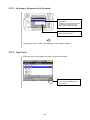
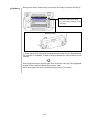
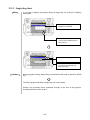
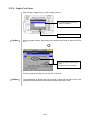
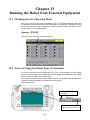
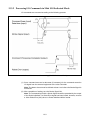
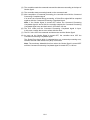
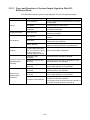
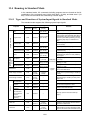
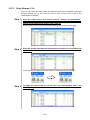
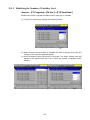
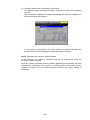
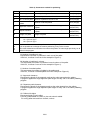
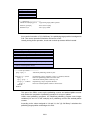
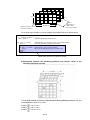
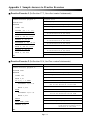
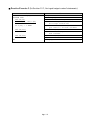
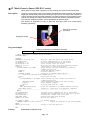
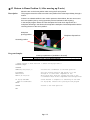
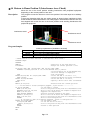
2.2.2 "Single Point of Control" Function The global type of the robot controller supports the "single point of control" function, while other types do not. This function limits the robot-start that other equipments except specified one device (for example: Teach pendant) cannot enable to start the robot. The "single point of control" function, which is one of the robot safety functions, limits the robot control sources (command sources) to only one. This function is specified by the parameter "Single point of control" that limits the control to either "Internal Auto" or "External Auto" limited mode. Internal Auto limited mode The "Auto mode" is limited to the "Internal Auto" limited mode in which a program start can be triggered from the teach pendant, but cannot from external equipment. External Auto limited mode The "Auto mode" is limited to the "External Auto" limited mode in which a program start can be triggered from external equipment, but cannot from the teach pendant. Note: In this mode, the teach pendant operation panel editor "Panel Designer" cannot be used in External Auto. Setting the Internal/External Auto Limited Mode Parameters Using the teach pendant, set the parameters with the following access. Note 1: The "Internal Auto Limited Mode" is the factory default. Note 2: The global type displays letter "A" following the robot type on the teach pendant screen. Access: [Top screen]—[F4 I/O]—[F6 Aux.]—[F1 Set H/W]—[F3 Jump To]—"31" In Ver. 2.3 or later: Access: [Top screen]—[F4 I/O]—[F6 Aux.]—[F4 Int/Ext] "A" displayed "A" displayed Setting on the "I/O Hardware Settings" window Setting on the "Single point of control" window (Ver. 2.3 or later) 2-3